Build Your Own Reference Database for Every Board You Repair
No schematics? No problem. Snap a photo of any PCB, map measurement points, and record voltages, resistances, oscillograms, and I-V curves as you work. Every repair you document today makes the next one faster.
Compatible with your favorite SCPI instruments
Watch a full board diagnosis in minutes
FEATURES
Six tools, one growing reference library
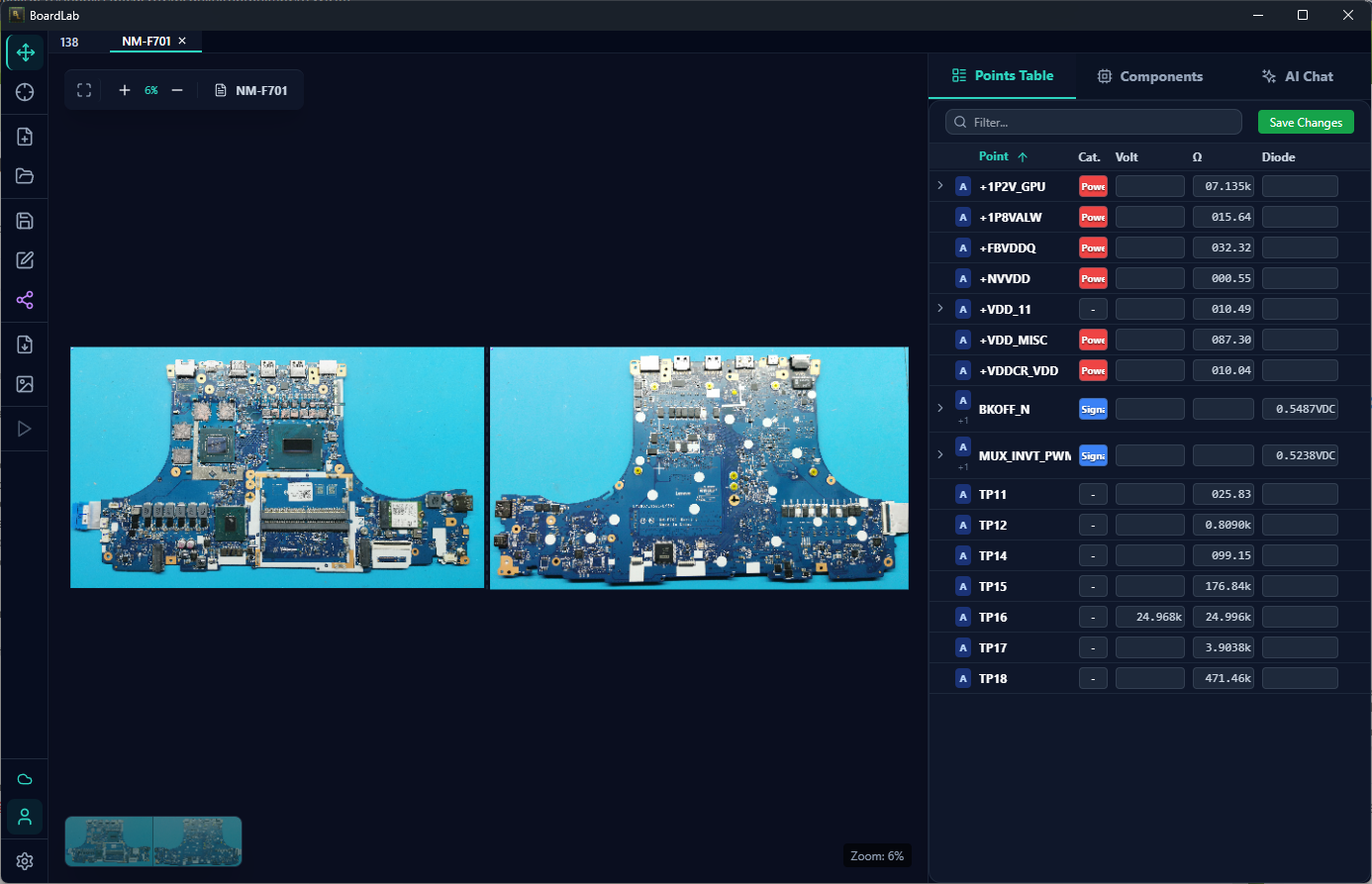
PCB Point Mapping
Drop a photo from your phone or scanner, place measurement points on both sides, and start building a reference database — voltages, voltage drops, resistances, notes, and more — with every point you probe.
Live Instrument Connection
Connect your multimeter or oscilloscope and readings flow straight into the database. Keysight, Rigol, Siglent, and any SCPI device over TCP or Serial. No instrument? Record values manually — it works either way.
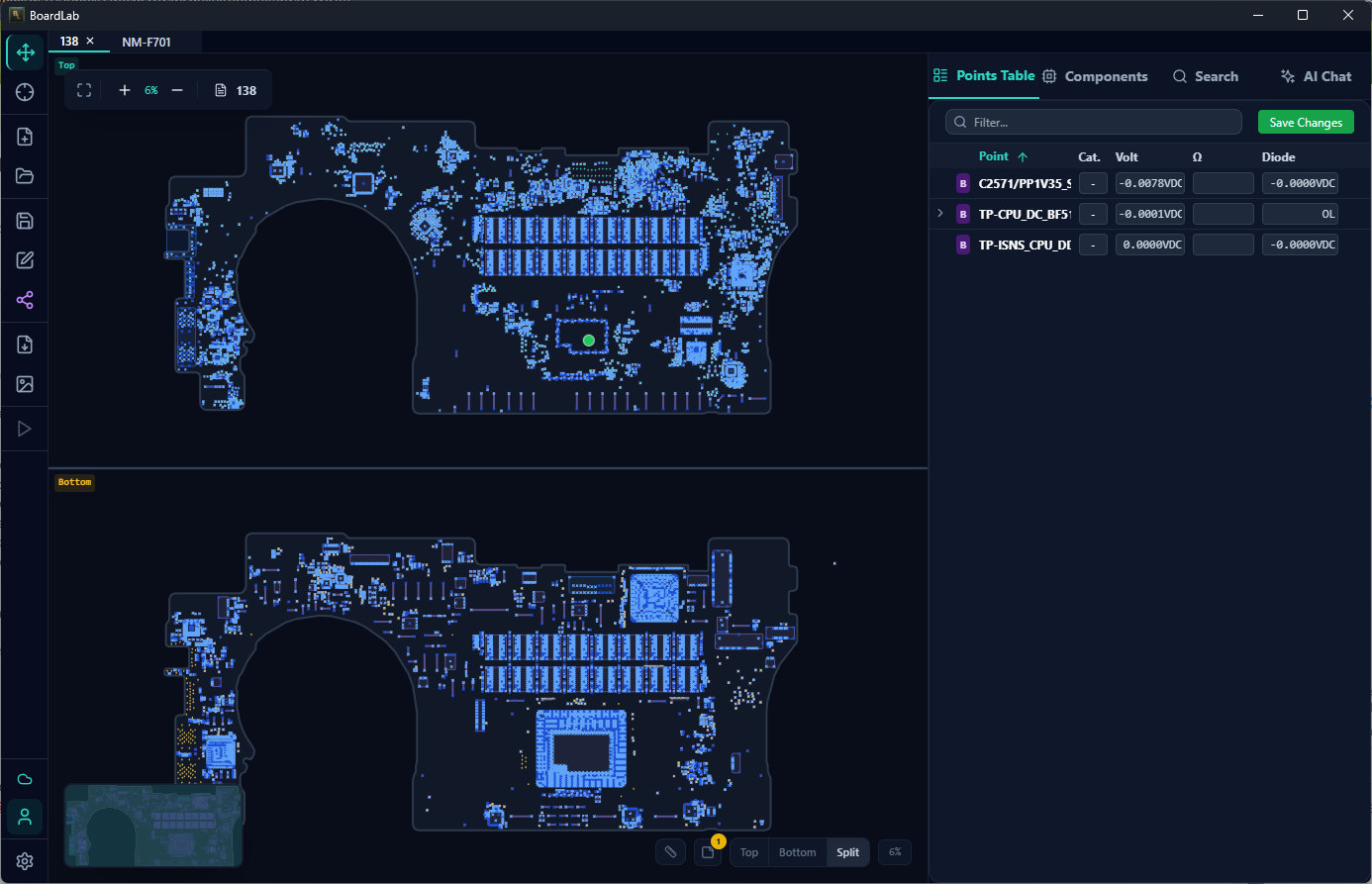
Boardview Overlay
Load BRD boardview files for laptops, Macs, phones, and industrial boards. See nets, components, and pin names overlaid on your PCB image — like having the schematic right on the board.
Test Sequencer
PRODefine a measurement sequence and let BoardLab step through it automatically, configuring your instruments at each point. Compare readings against a known-good board to spot faults instantly.
Component Management
PROCreate components with technical specs, link pins to test points, and track status — replaced, damaged, OK, unknown, or suspicious. One glance tells you where you left off on any board.
Cloud Backup & Sharing
PROYour database lives on your machine — always available, no internet required. Enable cloud backup to protect your work, and share any board with another technician in one click.
Start free, go Pro when you need more
Free
Start with a phone photo and build from there
3 projects · 50 points · 1 device
- PCB point mapping on any board image
- Single instrument connection
- Local database storage
Pro
billed $165/year — save $15
For technicians who build and rely on their reference database
- Unlimited projects & points
- Component management & status tracking
- Known-good board comparison
- Test sequencer
- Cloud backup & one-click sharing
- AI-assisted diagnosis
- PDF/image export
- Use on 2 computers
- Priority support
Ready to build your database?
Join hundreds of technicians who are documenting their knowledge and repairing faster every day.
Frequently Asked Questions
I work on boards with no schematics. Can BoardLab help?
Do I need special equipment to get started?
Can I work without an internet connection?
Can I share my board data with other technicians?
What boardview formats are supported?
Can I cancel my Pro subscription?
Need help or have a question?
Our support team is here for you. Reach out anytime and we will get back to you as soon as possible.